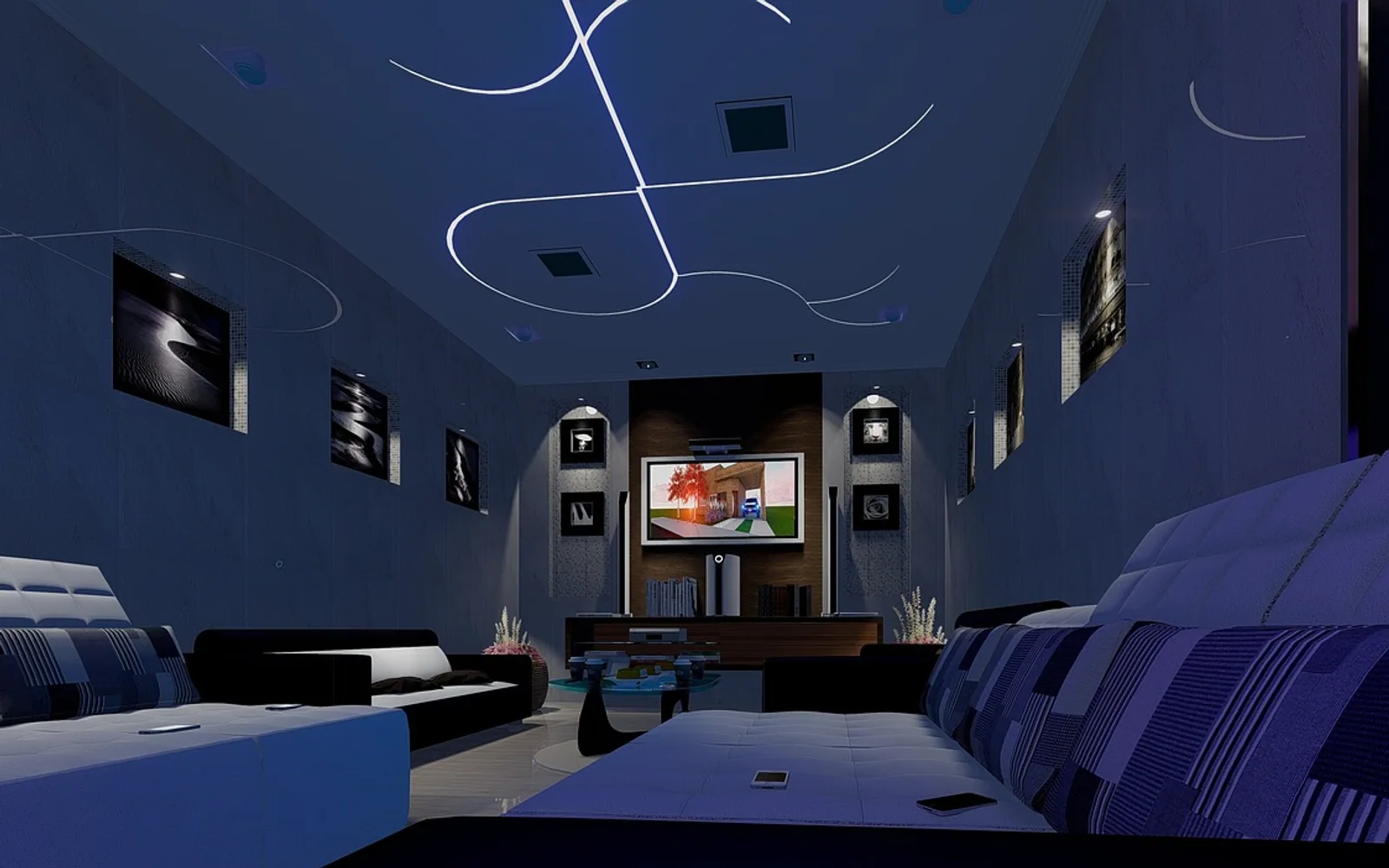
A home theater does not have to mean a windowless basement with reclining leather seats. For most households, it simply means a living room that does films justice: a screen you can see properly, sound that surrounds you rather than coming from a thin speaker below the picture, and a space where the lights can go down and nobody's phone glows in the corner.
This guide explains how to set up a home theater step by step, starting with the room you already have.
Start with the room, not the shopping list
Before buying anything, look at the space. The room shapes almost every decision that follows.
- Where will people sit? The main seat should face the centre of the screen.
- Where are the windows? Light falling directly on the screen washes out the picture.
- Are the walls bare? Hard, empty rooms echo; rugs, curtains and bookshelves soften sound.
- Where are the power sockets? Cable runs are easier to plan before furniture moves.
Choose the right screen size and distance
A bigger screen is not automatically better. What matters is how much of your field of view it fills from where you sit. If the screen is too small for the distance, films feel like watching through a letterbox; too large and close, your eyes dart around the frame. Many TV and projector makers publish viewing distance guidance for their models, and it is worth checking it against your own sofa position before buying.
Mount or place the screen so the middle of the picture is roughly at eye level when you are seated. Screens hung high above a fireplace often look impressive but can be uncomfortable for long films.
TV or projector?
| Television | Projector | |
|---|---|---|
| Brightness | Copes well with daylight | Best in a darkened room |
| Picture size | Limited by the panel | Very large images possible |
| Set-up effort | Simple | Needs a screen or plain wall and careful positioning |
| Everyday use | Ideal for news, sport and casual viewing | Feels like an event |
Get the sound right
Sound is often the biggest upgrade over a standard TV. You have two broad routes.
- A soundbar sits below the screen and is the simplest option. Many can add a separate subwoofer and rear speakers later.
- A receiver with separate speakers takes more planning but offers more flexibility and room to grow.
Speaker placement basics
- Centre speaker: directly above or below the screen, aimed at ear height. This carries most dialogue.
- Front left and right: either side of the screen, roughly the same distance from your seat.
- Surrounds: beside or slightly behind the main seat, a little above ear height.
- Subwoofer: try a few spots along the front wall; bass changes a lot with position.
Most receivers and many soundbars include an automatic calibration with a small microphone. Place it where your head would be and run the set-up; it balances levels and timing for your room.
Control light and reflections
Darkness makes a huge difference, especially for projectors and darker films. Heavy curtains or blackout blinds work well. If you watch during the day, a lamp placed behind the screen softens the contrast between a bright picture and a dark wall and can make long viewing more comfortable. Avoid lights reflecting directly in the screen from where you sit.
Connect your sources neatly
Most modern equipment connects over HDMI. When possible, plug streaming boxes, consoles and players into the receiver or soundbar, then run one cable to the screen, or follow the manufacturer's advice if your equipment uses the TV's audio return channel instead. Label both ends of each cable; future you will be grateful.
Think about how you will actually watch. If your household is reconsidering how it receives TV channels, our practical guide to switching from cable to internet TV covers the questions to ask before you change anything.
Tune the picture
Televisions often leave the factory in a bright, vivid showroom mode. For films, switch to a mode labelled "movie", "cinema" or "filmmaker". These usually show colours closer to how the film was intended and turn off motion smoothing, which can make films look strangely like daytime TV. Adjust brightness so dark scenes still show detail without looking grey.
Make it comfortable
The finishing touches turn a room into a place people want to stay:
- Comfortable seating with somewhere to put a drink.
- Soft throws and cushions for long films.
- A universal remote or a simple routine so guests are not confused.
- Cable covers and tidy shelves, so the space feels calm.
Plan your first screening
Once everything is set up, choose a film that rewards good picture and sound, then invite a few friends. If you want ideas that are a little off the blockbuster path, our list of recommended indie films to watch is a good place to start. Dim the lights, silence the phones and enjoy the room you built.